
3DCore focus

architecture, interiors, furniture, and intelligent homes
Design spaces. Visualize ideas. Build intelligent environments.
Casynus combines AI, architecture, interior design, and advanced 3D visualization to turn a home brief into thoughtful spaces, beautiful interiors, and intelligent environments.
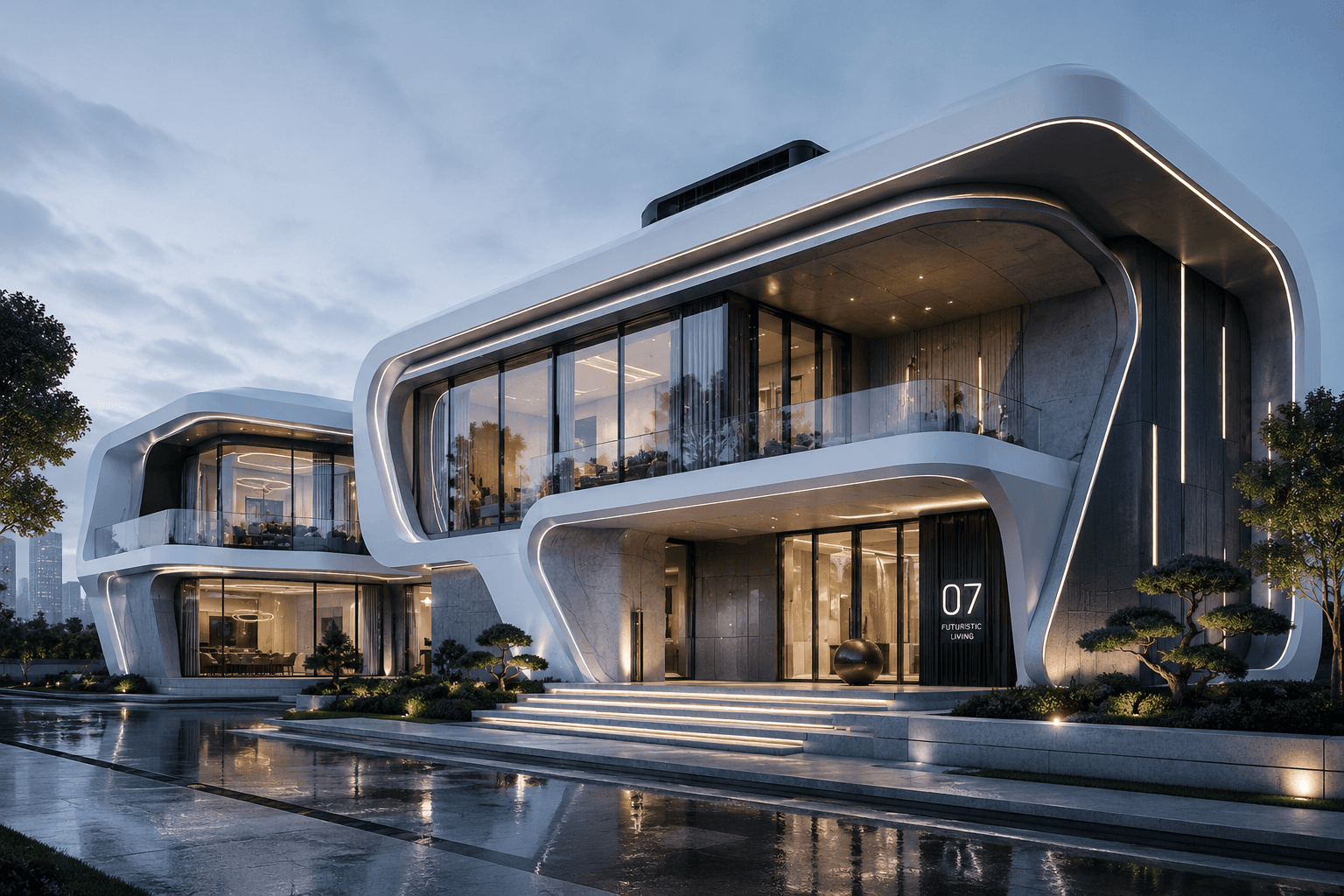
architecture, interiors, furniture, and intelligent homes

architecture, interiors, furniture, visualization, and home robotics

floor plans, 3D models, materials, layouts, and documentation
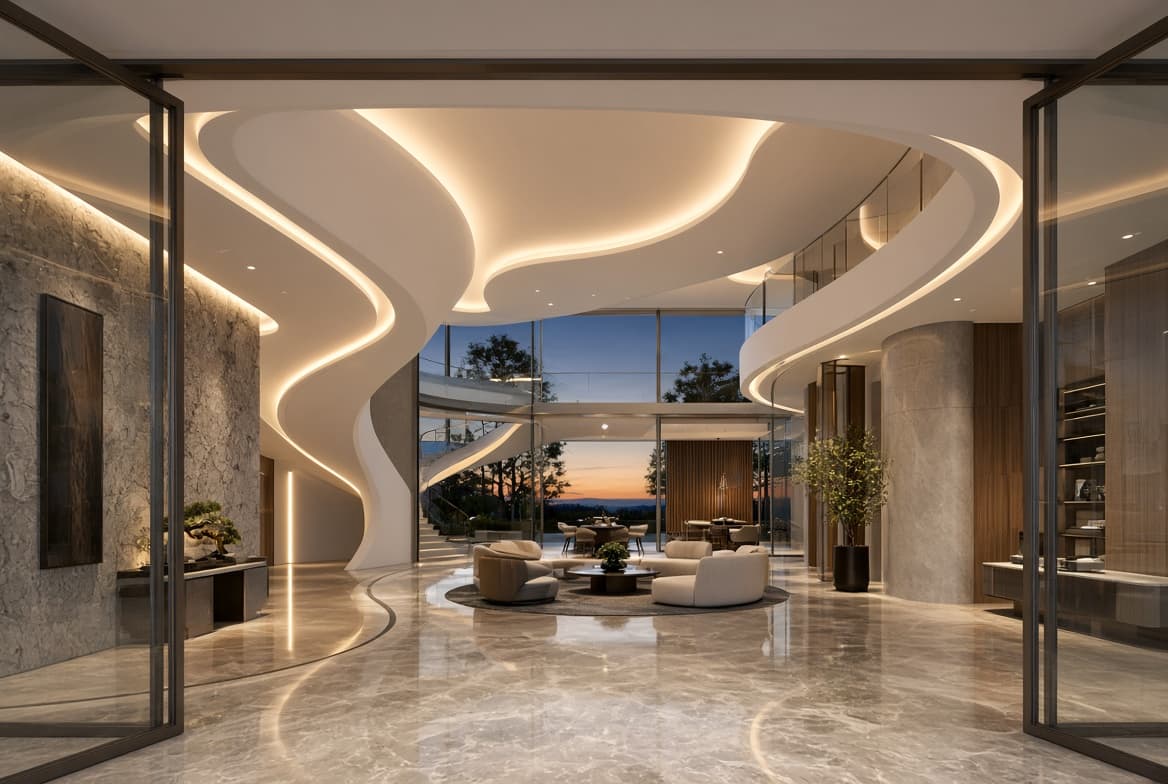
Transform architectural ideas into complete living spaces with detailed floor plans, room layouts, materials, and 3D visualizations designed around everyday life.
ExploreBuilt for architecture, interior design, furniture and space planning, 3D visualization, and home robotics.
Create house plans, building layouts, room configurations, and precise architectural documentation in one focused studio.
Launch StudioTurn a brief into floor plans, interior concepts, furniture layouts, and presentation-ready 3D designs.
Open AssistantDesign and visualize helpful household robots in the rooms and environments where they will live.
View Studios
Design the infrastructure that keeps communities moving, connecting buildings, utilities, transport, clean energy, and resilient public spaces in one intelligent plan.
ExploreKeep design goals, floor plans, 3D design models, generated assets, and review paths tied to the same workspace from first prompt to final output.
Describe the home, apartment, room, furniture layout, or household robot you want to create.
Casynus Studio keeps rooms, dimensions, materials, furnishings, and next actions organized across the project.
Move from floor plans to 3D views, renderings, architectural drawings, exports, and project status without losing context.
Walls, doors, windows, stairs, roofs, dimensions, and building elements stay organized by space.
Furniture, lighting, materials, finishes, and decoration remain tied to each room and layout.
Space optimization, furniture placement, floor-plan generation, and exports remain easy to track.
3D models, floor plans, visualizations, design libraries, and documentation fit the same flow.
The website provides AI-assisted design generation and concept exploration. Casynus Studio Desktop adds advanced local project workflows, larger files, offline processing, automation tools, and deeper design-documentation controls.
Construction-ready documents and regulated building decisions must be reviewed and approved by a qualified professional in the relevant jurisdiction.
Open the design workspace, compare floor plans, or review architecture, interiors, furniture layouts, and home-robotics concepts before sharing.
Keep your projects close, move from inspiration to execution, and continue designing across the tools and devices you use every day.